What Is Wootility? Keyboard Software Explained
TL;DR
Wootility is Wooting's configuration software for its analog (Hall-effect) mechanical keyboards, controlling per-key actuation distance, Rapid Trigger reset sensitivity, key remapping, and macros. It's available as both a desktop app and a browser-based tool, and once a profile is saved onboard, the keyboard keeps working with those settings without Wootility running in the background.
What Wootility Configures
Wootility is the official configuration tool for Wooting's line of analog mechanical keyboards, which use Hall-effect magnetic switches capable of detecting exact key travel distance rather than a simple on/off press. This analog capability is what Wootility exists to unlock — none of it is accessible through a standard keyboard driver, since regular mechanical switches don't report partial travel at all.
The two features most competitive players configure first are adjustable actuation point and Rapid Trigger. Actuation point lets you set exactly how far a key must travel before it registers as pressed, adjustable in fine increments (commonly from around 0.1mm up to 4mm depending on the switch), trading off between hair-trigger responsiveness and accidental-press resistance. Rapid Trigger goes further: instead of a fixed actuation point, it continuously resets a key's press state based on direction of travel, registering a new press the instant you start moving the key down again after any upward movement — even a fraction of a millimeter — which is why it's become popular for rapid counter-strafing and quick direction changes in competitive shooters.
Wootility also exposes analog input curves on supported keyboards — instead of a key acting as a simple digital on/off switch, its travel distance can be mapped to a continuous analog value, similar to a controller's analog stick. This is mostly used in racing and flight sims for proportional throttle or steering input from a keyboard, rather than in FPS titles, where digital rapid-trigger behavior is generally preferred for consistent, repeatable inputs.
Compatible Keyboards
Wootility only works with Wooting's own Hall-effect keyboard lineup — it isn't a universal remapping tool for arbitrary keyboards. Supported models include the Wooting 60HE and 60HE+, Wooting 80HE (including special editions), and the Wooting Two HE, among others in the current lineup. Standard mechanical or membrane keyboards without Hall-effect switches can't use Rapid Trigger or adjustable actuation at all, regardless of software, since the hardware itself doesn't report analog travel data.
This is a meaningful distinction from most other keyboard configuration software, which typically works across an entire brand's product line regardless of switch type, since standard remapping and lighting don't require Hall-effect hardware. Wootility's advanced features are specifically gated by the sensor technology in the switches themselves, not a software limitation that could theoretically be unlocked on other keyboards.
Wooting isn't the only brand making Hall-effect keyboards — several other manufacturers have released their own magnetic-switch boards with similar rapid-trigger-style features, each using their own proprietary configuration software rather than Wootility. If you're shopping for an analog keyboard specifically for Rapid Trigger, confirm which configuration app a given model actually uses rather than assuming Wootility support, since the underlying Hall-effect concept has since spread well beyond Wooting's original implementation.
Desktop App vs. Browser-Based Wootility
Wootility is available both as a downloadable desktop application and as a browser-based version that runs directly from Wooting's website using WebHID, a browser API that allows web pages to communicate with connected USB devices with the user's permission. The browser version is convenient for a quick settings check on a PC where you don't want to install anything, while the desktop app is generally preferred for regular use since it doesn't depend on browser support for WebHID (which isn't universal across all browsers) and can run persistently in the background if you want live remapping features active.
Why Rapid Trigger Matters for Competitive Shooters
Standard mechanical keyboards use a single, fixed actuation point per key — the switch registers a press once travel crosses that point, and releases once it crosses back above it, regardless of how quickly or slowly you moved. This creates an unavoidable minimum reset distance for rapid, repeated inputs like counter-strafing (tapping a movement key to instantly stop horizontal momentum before shooting). Rapid Trigger removes that fixed threshold: because the switch continuously reports exact travel distance, the keyboard can register a release the instant the key starts moving back up, even by a fraction of a millimeter, rather than waiting for it to cross a fixed point. In practice, this means faster, more consistent counter-strafing and quicker direction changes than a standard switch can physically achieve, which is why Rapid Trigger adoption has grown quickly among competitive Valorant and CS2 players specifically.
Key Remapping and Macros Basics
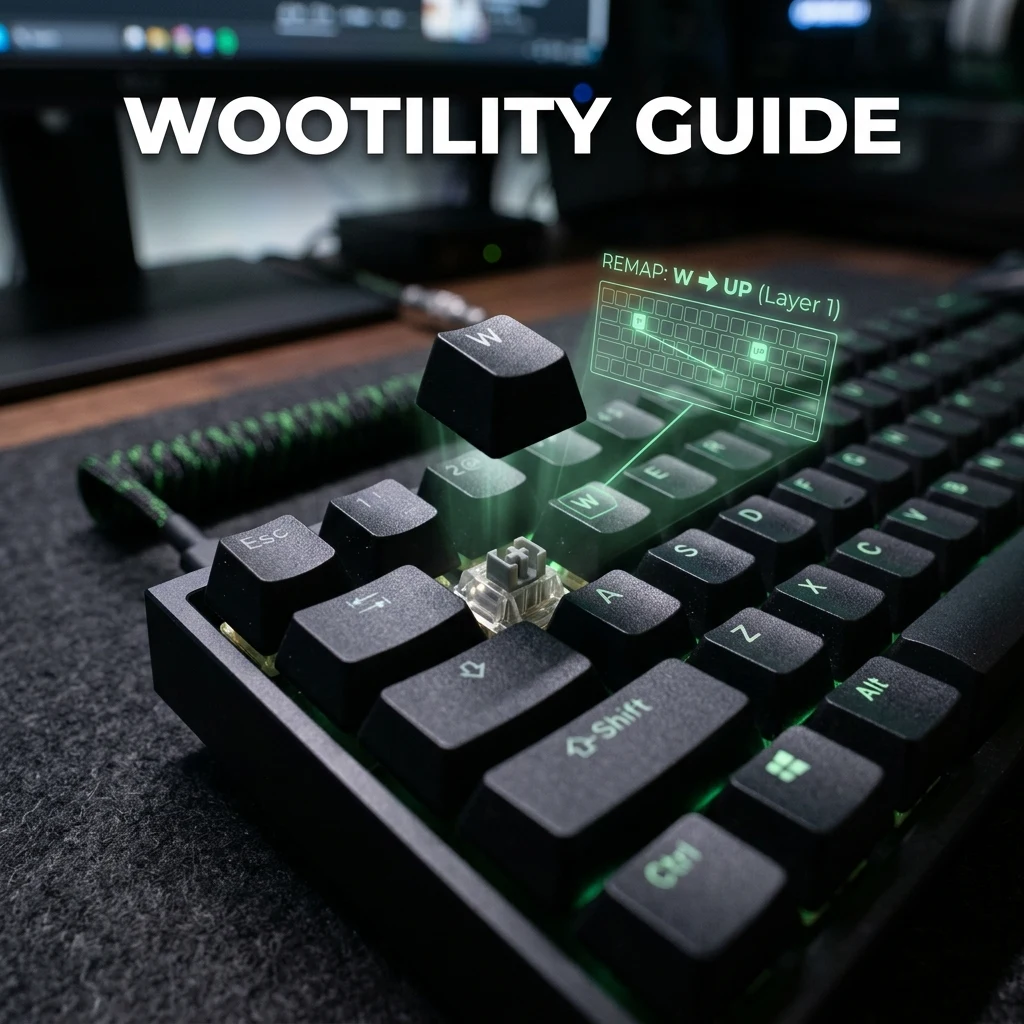
Beyond analog-specific features, Wootility also handles standard key remapping (reassigning any physical key to a different output), function layers accessible via a modifier key, and macro recording for multi-step keystroke sequences. Up to four complete profiles can be stored directly on supported keyboards' onboard memory, letting you switch between configurations — say, a gaming profile with aggressive Rapid Trigger settings and a typing profile with standard actuation — without Wootility open at all, and those profiles travel with the keyboard to any PC.
A common beginner setup path: start with a moderate actuation point (around 1.0–1.5mm) without Rapid Trigger enabled, get comfortable with the keyboard's feel for a session or two, then enable Rapid Trigger specifically for movement keys once the base feel is familiar. Jumping straight to an extremely low actuation point with Rapid Trigger fully enabled everywhere can cause accidental double-inputs for players used to a standard mechanical keyboard's travel distance, since even minor hand tremor now registers as a full press-release cycle.
Wootility also supports per-key configuration rather than forcing the same actuation and Rapid Trigger settings across the whole board, which lets players fine-tune differently for movement keys (where fast reset matters most) versus keys used for less time-sensitive actions, where a firmer, more deliberate actuation point can help avoid accidental presses.
Tuning actuation settings changes how your keyboard feels, but it doesn't affect your mouse-based aim settings — if you're setting up a full competitive configuration, pair your keyboard tuning with an accurate DPI calculation and a properly converted sensitivity for whichever game you're playing. If you're also configuring a new mouse alongside your keyboard, see our guide to Logitech G HUB or SteelSeries GG depending on your mouse brand.
Frequently Asked Questions
Frequently Asked Questions
Is Wootility only for Wooting keyboards?
Yes. Wootility is built specifically to configure Wooting's Hall-effect analog keyboards and their exclusive features like Rapid Trigger and adjustable actuation point — it has no function with keyboards from other brands, since those keyboards' switches don't report the analog travel data Wootility depends on.
Do I need Wootility running in the background to game?
No — once you've configured a profile and saved it, supported Wooting keyboards store up to four profiles in onboard memory and keep using those settings without Wootility open. You only need the software running again when you want to change a setting.
Teclado Analógico Recomendado
Para atirar com precisão milimétrica e parar de andar instantaneamente (Counter-Strafe), o recurso de **Rapid Trigger** magnético é indispensável no cenário competitivo:
Razer Huntsman V3 Pro TKL / Wooting 60HE
Teclado analógico magnético de última geração que ativa e reseta teclas ao menor sinal de toque físico. Recomendação definitiva do cenário profissional de Valorant e CS2.
🎯 Lock In Perfect 1:1 Aim & Pro Consistency
Tired of daily aim inconsistency? Calibrate your physical cm/360, scope matching, and sensor latency. Get the complete Precision Aim System (4-Part Technical Manifestos) today for only $9.00 USD!
Unlock Elite Precision ($9) ⚡Dalto Outlier
Creator, DCPROSENSDalto built DCPROSENS to help competitive FPS players convert sensitivity, calibrate DPI, and keep their aim consistent across games.


